
O-Solution DS-5000 FAQ
(* If you cannot open it by clicking the following, press Ctrl + F5 to reload.)
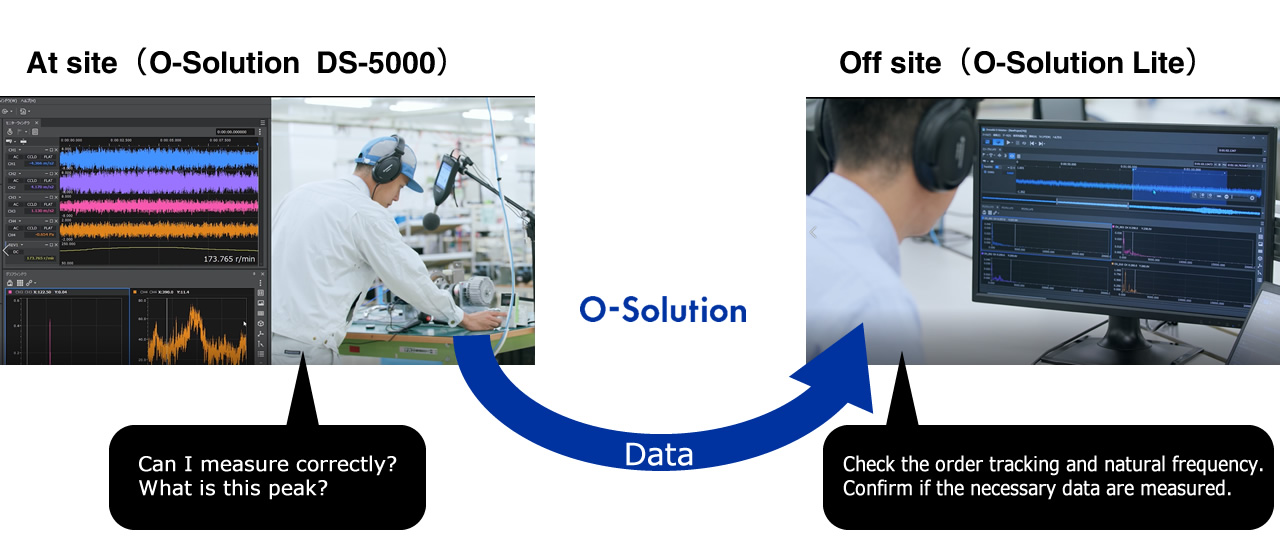
The viewer function (O-Solution Lite) can be used simply by downloading the installer from the O-Solution website and installing it on your PC.
Follow the steps below to download and install.
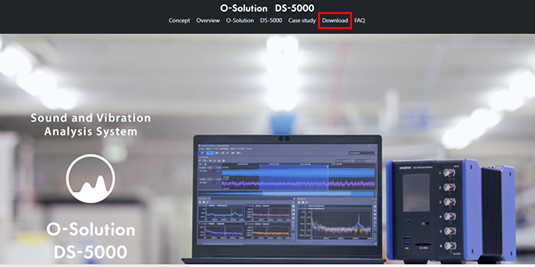
- Access the O-Solution website.
https://www.onosokki.co.jp/English/hp_e/products/keisoku/data/os_ds/ds5000_osolution.htm - Click "Download" to open download page.
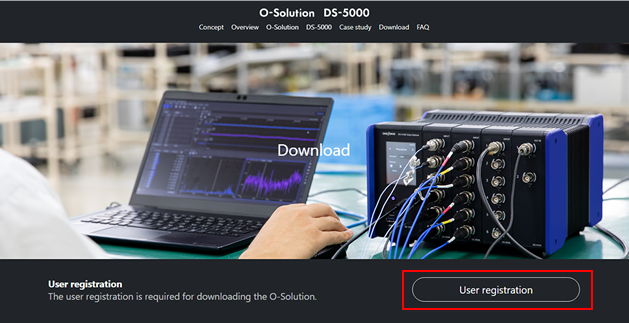
- Click "User registration".
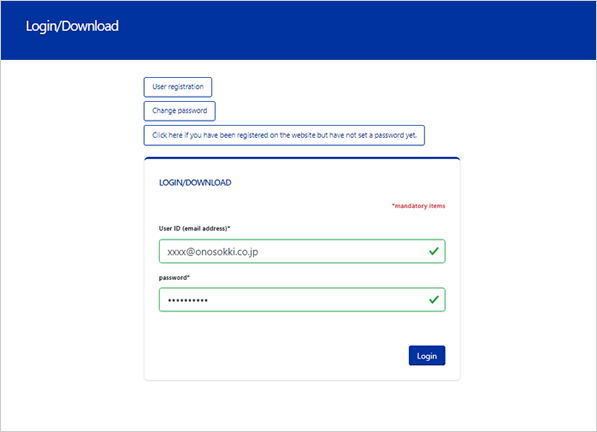
- Complete the user registration and login.
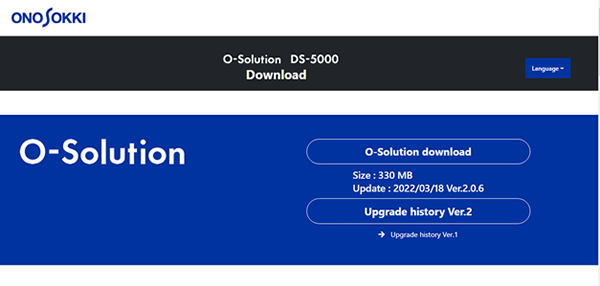
- After login, you can download the latest O-Solution program. Click "O-Solution Download" to start the download.
- "O-Solution.zip" will be downloaded, and unzip it.
- Execute "OSolutionStartup.exe" to install.
- After the installation is complete, start the O-Solution.
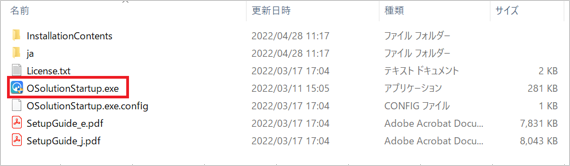
Please refer to the "Setup Guide" that can be downloaded in the step ⑤ for details on how to install.
*How to use the viewer function
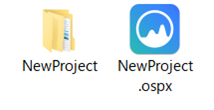
- Prepare the project file (.ospx) saved by the license holder and a data folder with the same name of the project file.
- Double-click the project file (.ospx) to start the O-Solution.
- You can check the measurement data and analysis results performed by the license holder.
- File format to be imported
The viewer function (O-Solution Lite) supports various binary files as follows:
Ono Sokki:
O-Solution file (*.orfx, *.datx)
FAMS file (*.fhd, *.lhd, *.thd)
ORF file(*.orf)
Other company:
GRAPHTEC GBD file(*.gbd)
HIOKI MEMORY HiCORDER file(*.mem)
TEAC TAFFmat file(*.hdr)
YOKOGAWA WDF/WVF file(*.wdf)
Other file formats cannot be imported. - Function Limitations
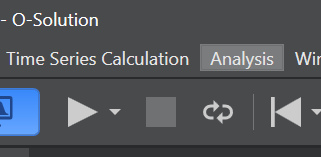
On the O-Solution Lite, some functions that require license are not available. For example, when you click [Analysis] on the menu bar, the analysis types are not displayed as shown below.
ex) On the viewer function,
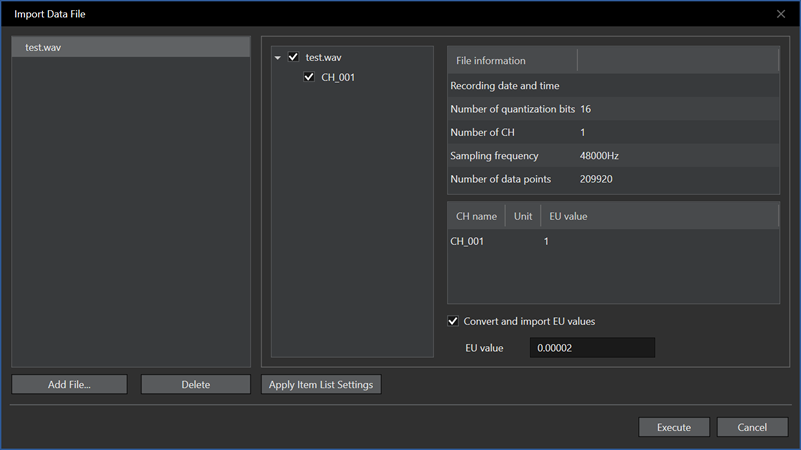
the wav file cannot be imported as shown below.
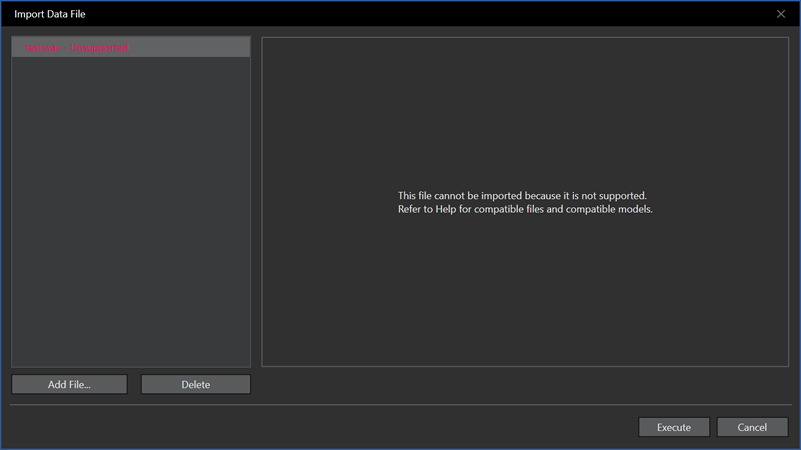
However, on the licensed O-Solution (OS-5100), the wav file can be imported.
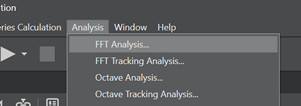
While, on the licensed O-Solution, you can select the analysis types such as FFT analysis, FFT tracking analysis, Octave analysis and Octave tracking analysis as shown below.
Last updated:20220509